 Nemo Script Comments

Click on the images to enlarge them
Installation of the "Nemo Script Comments"
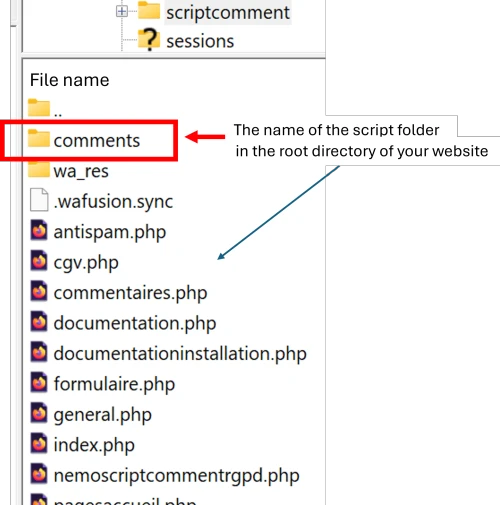
Install the script in the root directory of your website.
The folder name doesn’t matter;
instead of "/comments"
you can give it
"blog"
or whatever you like.
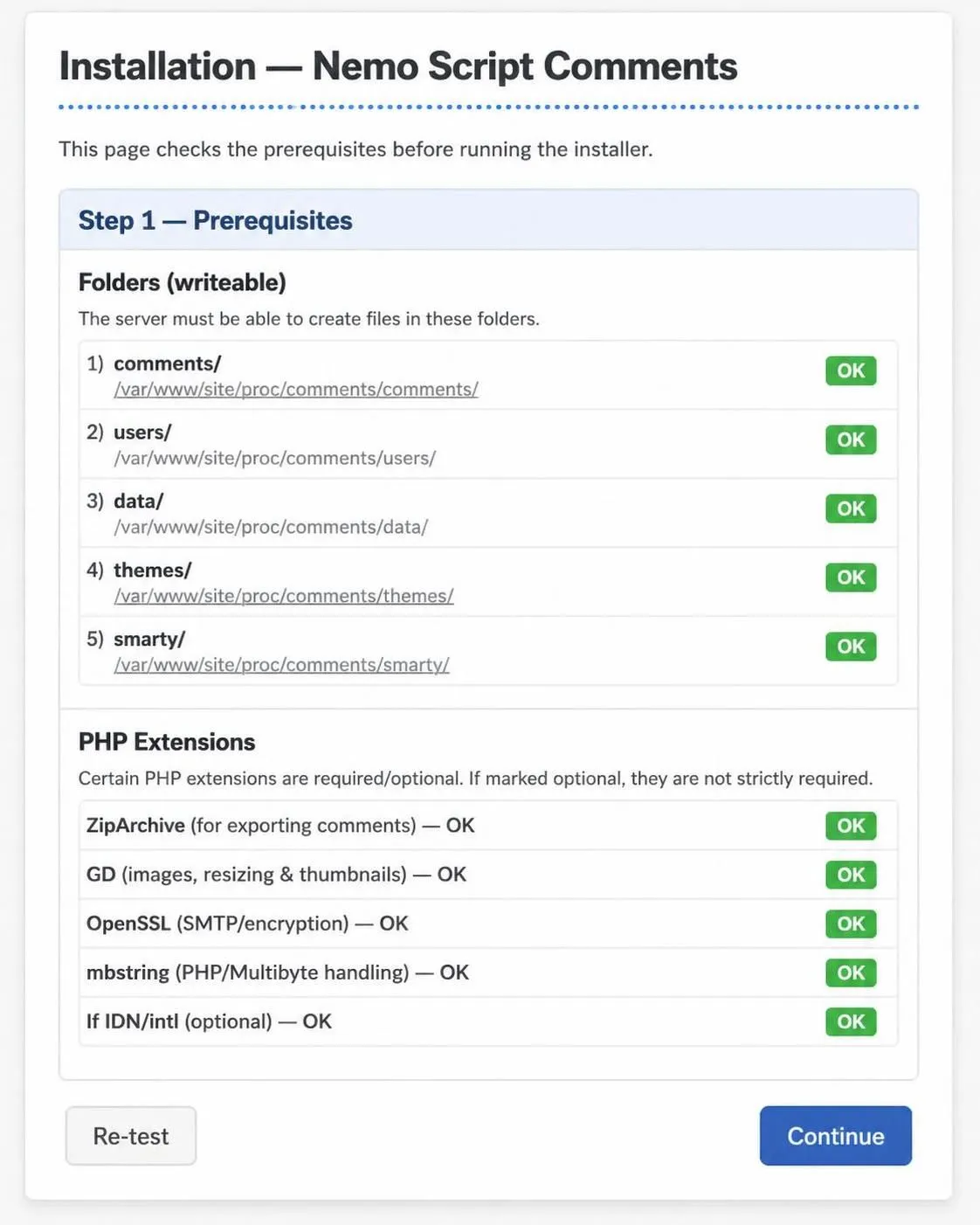
Step 1
- Enter the address of the comments script into your browser:
mysite.(com-fr ...)/comments/ if installed in the "comments" folder
mysite.(com-fr ...)/blog/ if installed in the "blog" folder
E.g.: www.scriptcomment.com/comments
or: scriptcomment.com/comments - The address in the browser will be:
https://scriptcomment.com/comments/install.php - Click on "Continue"
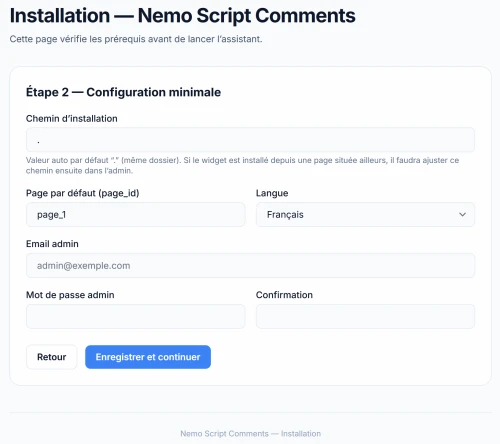
Step 2
- Enter your administrator email address
- Create your admin password
- You can choose the language
or leave it as it is - Page ID: leave as is (can be changed)
- Click on "Save and continue"
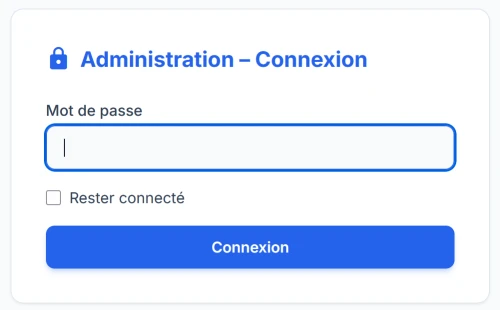
Step 3
- Enter your admin password.
And access the
of the comments system